SALE
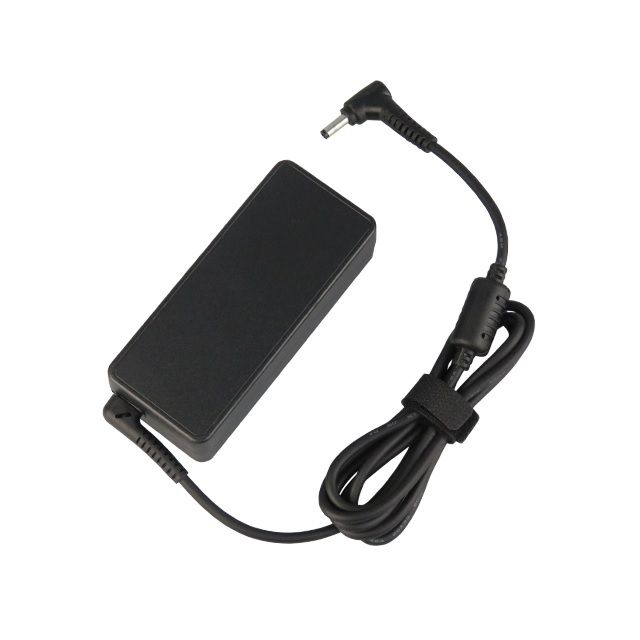
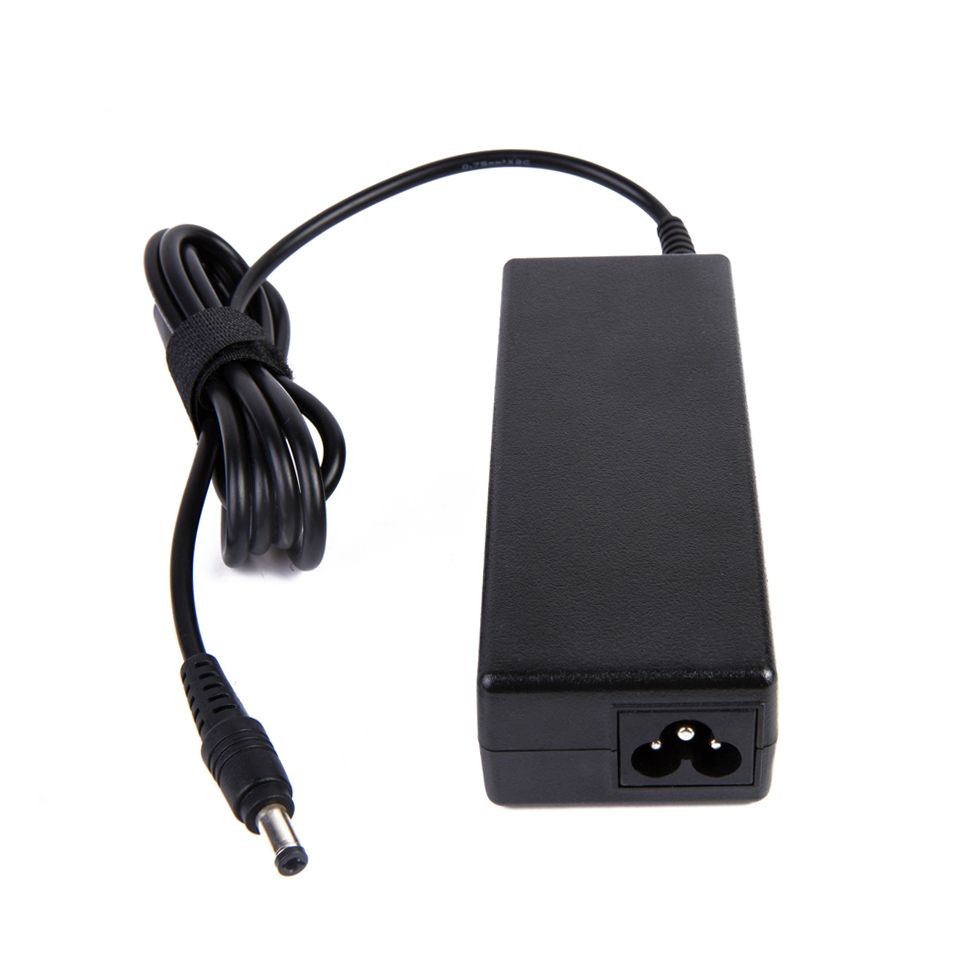
90W Universal Laptop Notebook Charger with 13 Tips Connectors

90W Universal Laptop Notebook Charger with 13 Tips Connectors

Instructions 1. Before using this product, please read the user manual carefully and make sure it fits your needs. 2. Co…
No reviews yet
R 38.00R 43.77
🚚 Ships in 5-7 work days

Instructions 1. Before using this product, please read the user manual carefully and make sure it fits your needs. 2. Connect the power cord to the adapter correctly. 3. Select a suitable connector fr...

🛡️
Warranty
6-Month Limited Warranty.
↩️
Return Policy
Hassle-Free Exchanges & Returns for 7 Days.

Product Information

SKU96372420
Stock StatusIn Stock
Safe Checkout

Instructions
1. Before using this product, please read the user manual carefully and make sure it fits your needs.
2. Connect the power cord to the adapter correctly.
3. Select a suitable connector from the connectors for your laptop / notebook computer, and connect to the adapter.
4. Start your laptop / notebook computer. If it can't work normally, please unplug the cable immediately. And then contact the local supplier.

Features
: 1. With high efficiency and true voltage, automatically ouput (without hands).
2. Automatically reset to the lowest voltage (+15V) after current interruption, to protect your laptop / notebook computer.
3. Total 13 connectors for users to change voltage easily. (Specification instruction as the picture shown)
4. Different voltages are suitable for most of laptop / notebook computers.
5. New changeable connector design ensures pseudo-polarity proof.
6. Active PFC design.
7. Patent design.

Precautions
1. It is normal for the adapter to get warm when charging.
2. Do not put it in high temperature or high humidity places
. 3. Keep children away from its hands.
4. Take it to the appointed place for repair, instead of illegally dismantling and repairing when there is anything wrong with the product.

What's in the box
1 X 90W Universal Laptop Notebook Charger with 13 Tips Connectors

Instructions
1. Before using this product, please read the user manual carefully and make sure it fits your needs.
2. Connect the power cord to the adapter correctly.
3. Select a suitable connector from the connectors for your laptop / notebook computer, and connect to the adapter.
4. Start your laptop / notebook computer. If it can't work normally, please unplug the cable immediately. And then contact the local supplier.

Features
: 1. With high efficiency and true voltage, automatically ouput (without hands).
2. Automatically reset to the lowest voltage (+15V) after current interruption, to protect your laptop / notebook computer.
3. Total 13 connectors for users to change voltage easily. (Specification instruction as the picture shown)
4. Different voltages are suitable for most of laptop / notebook computers.
5. New changeable connector design ensures pseudo-polarity proof.
6. Active PFC design.
7. Patent design.

Precautions
1. It is normal for the adapter to get warm when charging.
2. Do not put it in high temperature or high humidity places
. 3. Keep children away from its hands.
4. Take it to the appointed place for repair, instead of illegally dismantling and repairing when there is anything wrong with the product.

What's in the box
1 X 90W Universal Laptop Notebook Charger with 13 Tips Connectors

More in Chargers & Adapters