SALE
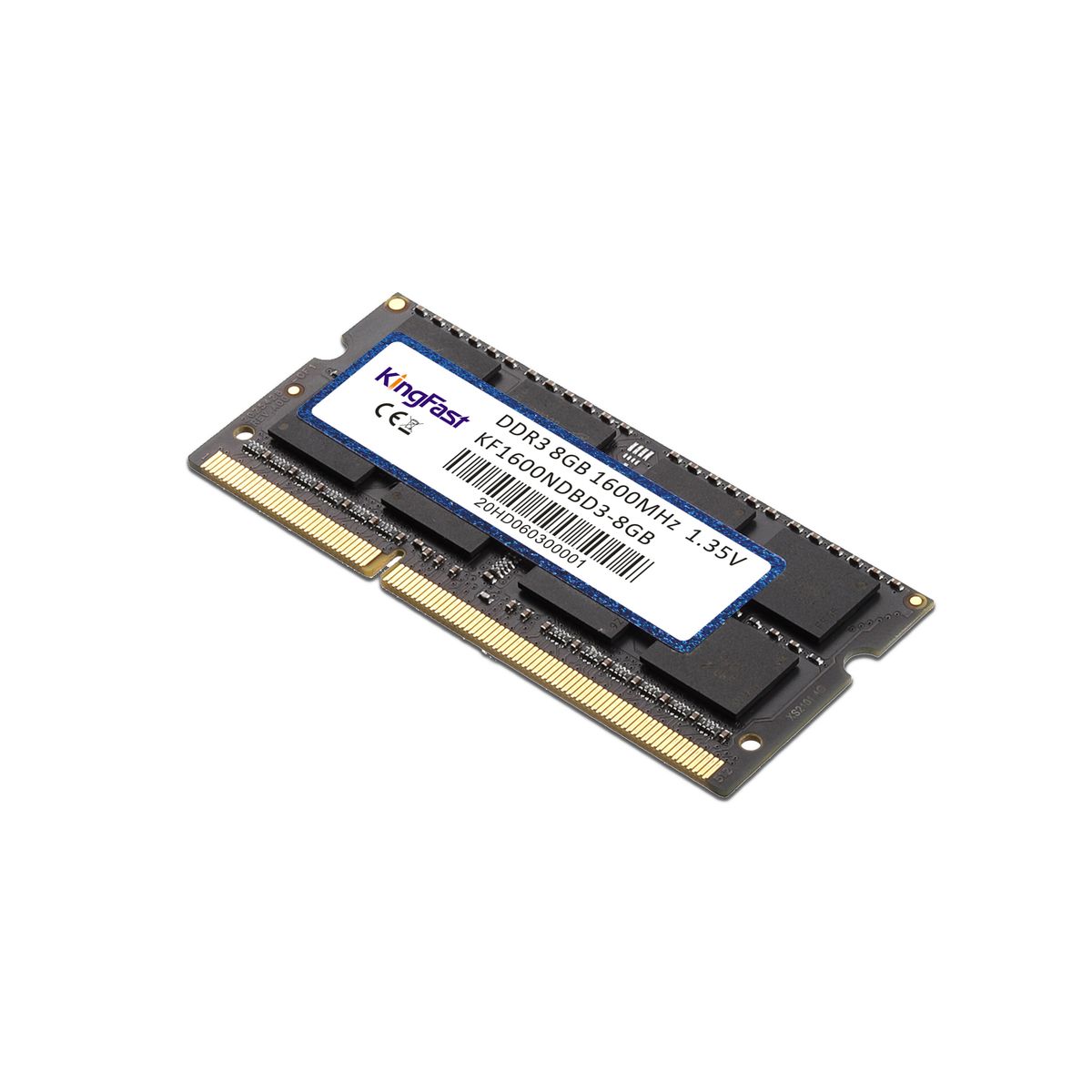
Kingfast 8GB DDR3 1600 SO-DIMM Low Voltage Laptop / Notebook RAM

Kingfast 8GB DDR3 1600 SO-DIMM Low Voltage Laptop / Notebook RAM

Brand: Kingfast
Kingfast 8GB DDR3 1600 SO-DIMM Low Voltage Laptop / Notebook RAM
4.7207 Reviews
R 63.00R 75.60
🚚 Ships in 3-5 work days

Kingfast 8GB DDR3 1600 SO-DIMM Low Voltage Laptop / Notebook RAM

🛡️
Warranty
24-Month Limited Warranty.
↩️
Return Policy
Hassle-Free Exchanges & Returns for 7 Days.

Product Information

SKU72731848
Stock StatusIn Stock
Safe Checkout

Compatible with Intel, AMD and MAC Systems – KingFast RAM has been thoroughly compatibility tested with all popular motherboards in the market.

Test results show that KingFast memory provides superior performance and high stability that is required during extended operation times.

Specifications:
- Model: DDR3 Memory RAM for Laptop
- Capacity: 8GB
- Memory Speed: 1600MHz
- Memory Channel: Dual Channel
- CAS Latency: 1600MHz=CL11
- Pins: 204Pin
- Voltage: DDR3L=1.35V
- Features: Unbuffered
- Function: Non-ECC
- Size: 68mm X 30mm
- Warranty: 24 months

Installation Instructions:
Please Turn off Laptop, disconnect power, and remove / disconnect battery before installation:

Step 1. Disassemble the RAM cover of your computer.
Step 2. Draw out original RAM, install KingFast RAM with the connection figure side towards slot.
Step 3. Press down KingFast memory, tighten the buckle.

What's in the box
1 x Kingfast 8GB DDR3 1600 SO-DIMM Low Voltage Laptop / Notebook RAM

Compatible with Intel, AMD and MAC Systems – KingFast RAM has been thoroughly compatibility tested with all popular motherboards in the market.

Test results show that KingFast memory provides superior performance and high stability that is required during extended operation times.

Specifications:
- Model: DDR3 Memory RAM for Laptop
- Capacity: 8GB
- Memory Speed: 1600MHz
- Memory Channel: Dual Channel
- CAS Latency: 1600MHz=CL11
- Pins: 204Pin
- Voltage: DDR3L=1.35V
- Features: Unbuffered
- Function: Non-ECC
- Size: 68mm X 30mm
- Warranty: 24 months

Installation Instructions:
Please Turn off Laptop, disconnect power, and remove / disconnect battery before installation:

Step 1. Disassemble the RAM cover of your computer.
Step 2. Draw out original RAM, install KingFast RAM with the connection figure side towards slot.
Step 3. Press down KingFast memory, tighten the buckle.

What's in the box
1 x Kingfast 8GB DDR3 1600 SO-DIMM Low Voltage Laptop / Notebook RAM

More in Computer Memory RAM