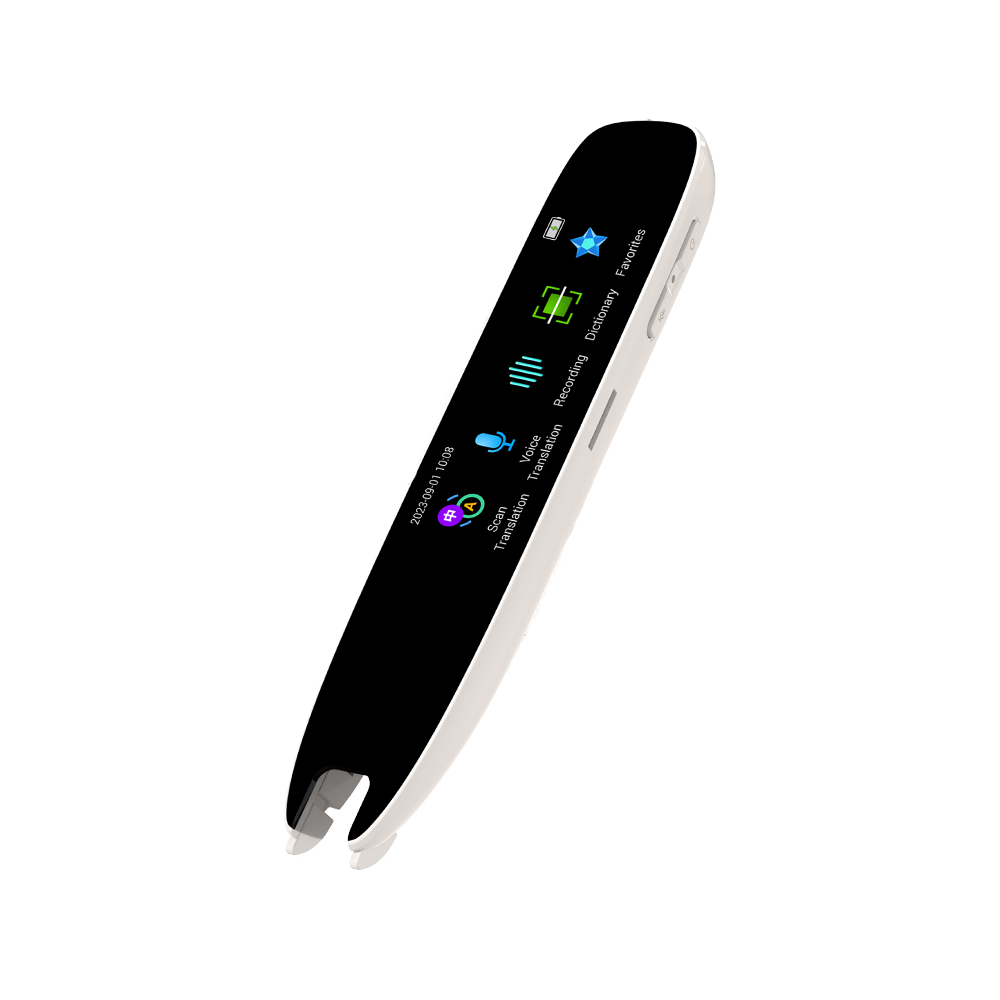
Reading Page Turner, Clicker Page Turner for Kindle

Reading Page Turner, Clicker Page Turner for Kindle

Compatible with Kindle devices, iPads, iPhones, Android phones, tablets, Surface devices, Kobo e-readers
No reviews yet
R 34.44
🚚 Ships in 3-5 work days

Compatible with Kindle devices, iPads, iPhones, Android phones, tablets, Surface devices, Kobo e-readers

🛡️
Warranty
6-Month Limited Warranty.
↩️
Return Policy
Hassle-Free Exchanges & Returns for 7 Days.

Product Information

SKU101370827
Stock StatusIn Stock
Safe Checkout

1. Strong compatibility. This product is compatible with most electronic devices, such as iPads, tablets, and mobile phones. You can remotely control page navigation with one hand. Delicate and compact in design, the product feels comfortable to the touch and is easy to operate. The simple controller can manage scrolling motions and click pressure. It frees up your hands and is a great choice for continuous use over several weeks.

2. Remote page turner. It can send page-turning signals to a variety of compatible electronic devices. It is an essential accessory for reading and using electronics in bed. There is no need to keep touching the screen to turn pages-just hold the remote control to switch pages wirelessly. It delivers a seamless page-turning effect with zero delay between the remote controller and the receiver.

3. Long service life. The page-turning controller is equipped with a charging port, allowing you to read uninterrupted without disrupting your reading experience. The silent-button design enables you to use it in quiet environments free from noise. Durable and long-lasting, it boasts an extended service life. You can freely select and control pages according to your needs, and a peaceful environment brings you a comfortable user experience.

4. Remote control function. You can remotely control photo and video shooting simply by pressing the clip button on the transmitter for 3 seconds. Press the remote control button, and the fast-flashing blue indicator light on the receiver clip will signal a successful connection. The remote controller can work as a shutter trigger, enabling you to remotely navigate your phone's pages and capture photos and videos.

Instructions

1. Press the activation button on the receiver.

2. Clip the receiver to the correct position on the screen.

3. Press the buttons on the remote control to turn pages freely.

Note

The two buttons on the remote control are exclusively for page-turning, which helps extend its service life.

What's in the box
1 x Page Turner
1 x Receiver
1 x Lanyard
1 x Instruction Manual
1 x Charging Cable

1. Strong compatibility. This product is compatible with most electronic devices, such as iPads, tablets, and mobile phones. You can remotely control page navigation with one hand. Delicate and compact in design, the product feels comfortable to the touch and is easy to operate. The simple controller can manage scrolling motions and click pressure. It frees up your hands and is a great choice for continuous use over several weeks.

2. Remote page turner. It can send page-turning signals to a variety of compatible electronic devices. It is an essential accessory for reading and using electronics in bed. There is no need to keep touching the screen to turn pages-just hold the remote control to switch pages wirelessly. It delivers a seamless page-turning effect with zero delay between the remote controller and the receiver.

3. Long service life. The page-turning controller is equipped with a charging port, allowing you to read uninterrupted without disrupting your reading experience. The silent-button design enables you to use it in quiet environments free from noise. Durable and long-lasting, it boasts an extended service life. You can freely select and control pages according to your needs, and a peaceful environment brings you a comfortable user experience.

4. Remote control function. You can remotely control photo and video shooting simply by pressing the clip button on the transmitter for 3 seconds. Press the remote control button, and the fast-flashing blue indicator light on the receiver clip will signal a successful connection. The remote controller can work as a shutter trigger, enabling you to remotely navigate your phone's pages and capture photos and videos.

Instructions

1. Press the activation button on the receiver.

2. Clip the receiver to the correct position on the screen.

3. Press the buttons on the remote control to turn pages freely.

Note

The two buttons on the remote control are exclusively for page-turning, which helps extend its service life.

What's in the box
1 x Page Turner
1 x Receiver
1 x Lanyard
1 x Instruction Manual
1 x Charging Cable

More in Reading Pens