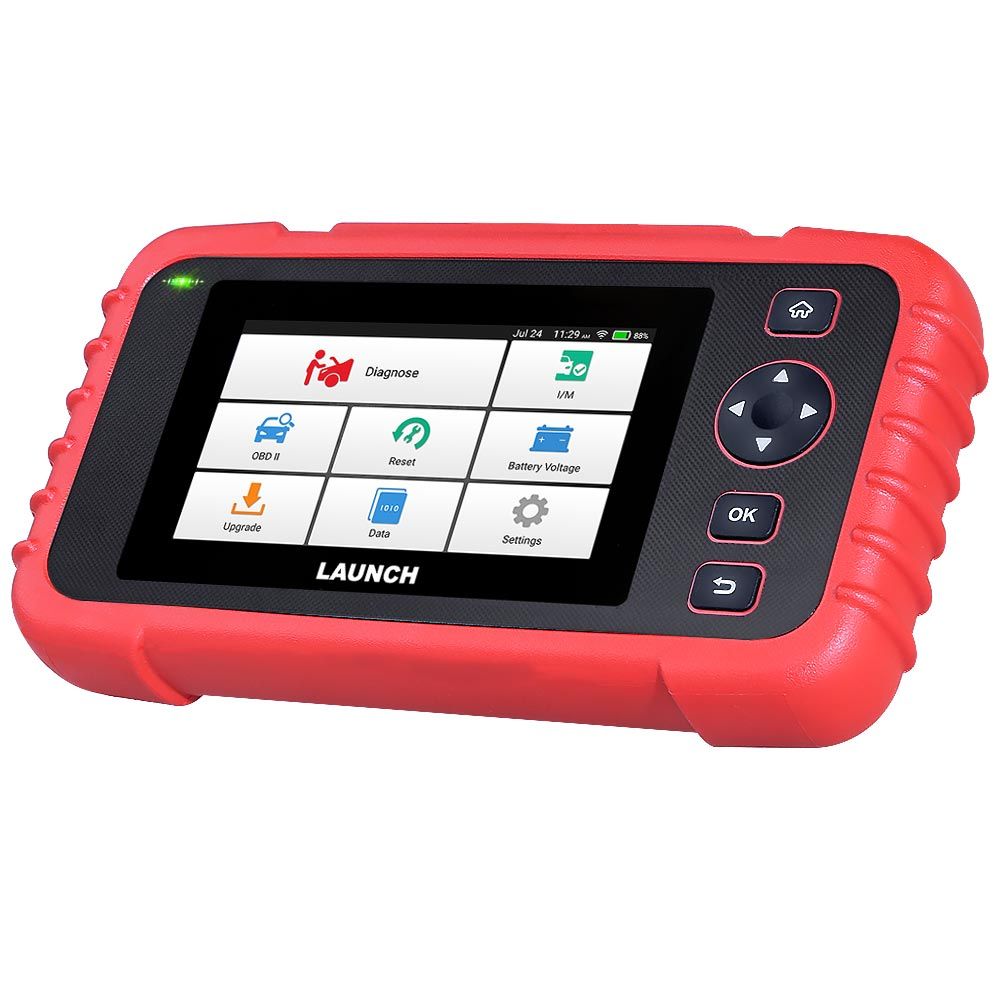
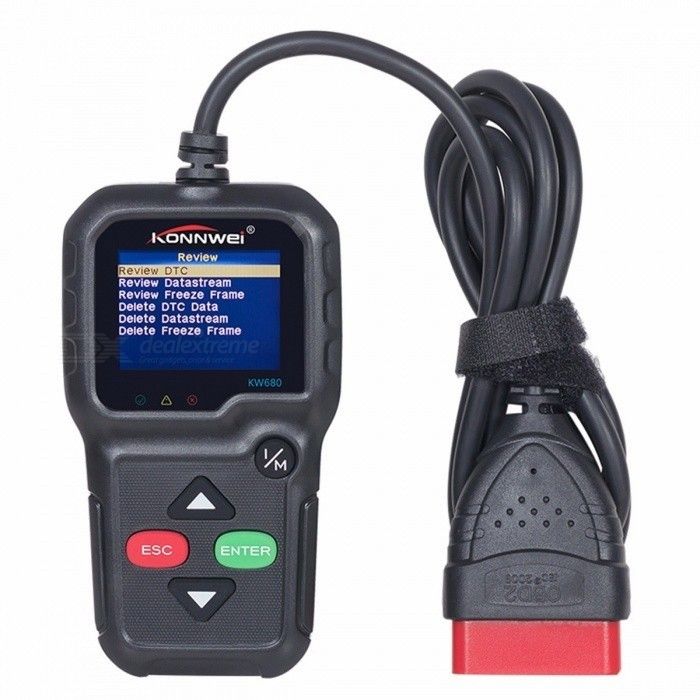
Regardless of a driver's knowledge of vehicle mechanics, an OBD2 diagnostic tool is an indispensable tool. OBD2, or On-Board Diagnostic System II, is a standard communication protocol used to diagnose and read data from various vehicles. This seemingly small device packs a powerful punch, not only helping drivers save money but also ensuring vehicle safety and proper operation.
Main Functions
Supports 9 standard OBD II/EOBD protocols
Reads vehicle engine fault codes
Clears engine fault codes
Freezes vehicle fault frames
I/M Readiness Status
Vehicle Information
Vehicle Data Stream
Reads battery voltage
Detection Modes 6 and 8
Oxygen sensor test
Fault code lookup
Playback function
Print function:
Supports 10 languages: English, German, French, Spanish, Italian, Russian, Dutch, Chinese, Japanese, and Portuguese.
Supported Communication Protocols
SAE J1850 PWM (41.6 Kbaud),
SAE J1850 VPW (10.4 Kbaud),
ISO9141-2 (Starting Baud Rate 5, 10.4 Kbaud),
ISO14230-4 KWP (Starting Baud Rate 5, 10.4 Kbaud),
ISO14230-4 KWP (Fast Start, 10.4 Kbaud),
ISO15765-4 CAN (11-bit ID, 500 Kbaud),
ISO15765-4 CAN (29-bit ID, 500 Kbaud),
ISO15765-4 CAN (11-bit ID, 250 Kbaud),
ISO15765-4 CAN (29-bit ID, 250 Kbaud).
Diagnostic Menu
OBD/EOBD - The main test menu contains 9 test options.
Read DTC - Selecting the "Read Fault Codes" option will diagnose the vehicle's engine system.
Clear Fault Codes - This is the fault code clearing function. The vehicle's engine fault indicator light will turn off, indicating that the fault codes have been successfully cleared.
Freeze - Immediately disables the current data automatically recorded by the vehicle's computer.
I/M - This is the availability status option, used to check the status of the vehicle monitor: OK (measurement test completed), N/A (vehicle does not support this monitor), or INC (vehicle monitoring not yet completed).
Vehicle Information - This is the vehicle information option.
Real-time Data - Entering this option will allow the product to read the current information of the vehicle's engine data stream in real time.
Mode 6 - Select Mode 6 to enter the onboard monitoring test.
Mode 8 - Module 8 component test items.
Oxygen Sensor - Oxygen sensor test.
DTC Library - Fault Code Library
Playback - The playback option allows displaying fault code logs and data streams.
Voltage - This option allows you to read the current battery voltage data of the vehicle under test.
Settings - These are configuration options for adjusting language, units, and many other product parameters.
Versatility
The 9 to 16 V operating voltage range is suitable for most passenger cars and light commercial vehicles. Therefore, this OBD2 tester is compatible with different brands and models of vehicles, whether passenger cars, SUVs, or small commercial vehicles. This versatility allows you to use a single diagnostic tool to check a variety of different vehicles, making the diagnostic process convenient and faster.
Feature-Rich
This diagnostic tool provides a comprehensive analysis of engine operation, reads fault codes and monitors their parameters, diagnoses various electronic systems, troubleshoots, and resets the vehicle's computer. It can also diagnose multiple systems, including the engine, transmission, and braking system. This is a comprehensive tool that helps keep your vehicle in optimal condition.
Weather Resistance
This diagnostic tool is an indispensable tool regardless of the extreme conditions it is used in. No matter how harsh the weather or how changing the environment, it maintains its durability, reliability, and measurement accuracy. This diagnostic instrument remains versatile and reliable in various conditions and atmospheric environments. It is an essential tool for mechanics and diagnostic experts.
Globally Applicable
With multilingual support, this diagnostic instrument is available to users worldwide. This ensures its ease of use.
What's in the box
1 x OBD2 Diagnostic Scanner Tool